Template

Style guide

Colours, type, buttons and components. Change a variable or a class here and it updates across every page.

Colours

Left half light mode, right half dark mode. Every swatch reads its Theme variable, so editing a value in Variables updates this page and the whole site.

Base/Black
LIGHT #111114 · DARK #F2F2F0
Base/White
LIGHT #FFFFFF · DARK #09090B
Accent/Primary
LIGHT #3B63E6 · DARK #9DB7FF
Accent/Deep
LIGHT #2A4BC0 · DARK #C3D2FF
Accent/Soft
LIGHT #E6ECFF · DARK #18234A
Accent/Muted
LIGHT #9DB7FF · DARK #3B63E6
Neutral/50
LIGHT #F5F5F7 · DARK #121216
Neutral/100
LIGHT #EDEDF1 · DARK #18181D
Neutral/200
LIGHT #DEDEE4 · DARK #26262D
Neutral/300
LIGHT #CFCFD7 · DARK #303038
Neutral/400
LIGHT #B3B3BD · DARK #3E3E47
Neutral/500
LIGHT #9A9AA5 · DARK #70707A
Neutral/600
LIGHT #7A7A85 · DARK #8C8C96
Neutral/700
LIGHT #5F5F69 · DARK #9A9AA1
Neutral/800
LIGHT #2A2A31 · DARK #C9C9CF
Neutral/900
LIGHT #17171A · DARK #E4E4E8
Surface/Inverse
LIGHT #0A0A0B · DARK #141419
Feedback/Error
LIGHT #D64545 · DARK #FF7A7A

Typography

Each sample uses the live class named under it. Sizes are desktop values; tablet and mobile sizes come from the Font Size variables.

Heading/Display
Geist Regular · 104px
.heading-style-display
The platform underneath
Heading/H1
Geist Regular · 80px
.heading-style-h1
The platform underneath
Heading/H2
Geist Regular · 56px
.heading-style-h2
The platform underneath
Heading/Section
Geist Regular · 40px
.heading-style-section
The platform underneath
Heading/Number
Geist Regular · 64px
.heading-style-number
The platform underneath
Heading/H3
Geist Medium · 26px
.heading-style-h3
Inference, agents and evals on one API.
Heading/H4
Geist Medium · 22px
.heading-style-h4
Inference, agents and evals on one API.
Heading/H5
Geist Medium · 18px
.heading-style-h5
Inference, agents and evals on one API.
Heading/H6
Geist Medium · 16px
.heading-style-h6
Inference, agents and evals on one API.
Body/Large/Regular
Geist Regular · 18px
.text-size-large
Inference, agents and evals on one API.
Body/Regular/Regular
Geist Regular · 16px
.text-size-medium
Inference, agents and evals on one API.
Body/Small/Regular
Geist Regular · 14px
.text-size-small
Inference, agents and evals on one API.
Body/Tiny/Regular
Geist Regular · 12px
.text-size-tiny
Inference, agents and evals on one API.
Badge
Geist Mono Medium · 12px
.text-style-badge
Inference, agents and evals on one API.

Buttons

Primary, Primary Small, Secondary and Secondary Small for light surfaces. Ghost and Ghost Small are white outline buttons for dark sections. Every button is a component: edit Text and Link per instance.

Components

Chip · Icon tile
FAQ Item

Is my data used to train models?

No. Prompts, outputs and traces are never used to train models, ours or any provider’s. Traces are kept 30 days by default, configurable down to zero.

Which models can I use?

140+ open and proprietary models behind one endpoint, plus your own fine-tunes.

Release row · Feature row · Security cell
OCT 2
NEW · AGENTS · V2.4
Streaming tool calls
→

Caching

Semantic and exact caches cut repeat cost by up to 70%.

Isolation

Every agent run in its own container.

Story card · Logo cell
Benchmark Row
Chat completion p50
Lattis
38 ms
Direct provider
61 ms
Difference
38% faster
Cached request p50
Lattis
9 ms
Direct provider
61 ms
Difference
85% faster

Section components (Benchmarks, CTA panel, CTA Terminal, Closing Split, Lottie card) are full-width and live on the pages that use them: Home 2, Home 3, Inference, Agents and Evals.

Forms

Native Webflow form elements with the shared classes field-label, field-input (combos is-select, is-textarea, is-error, is-disabled), form_consent and form_checkbox. Success and error messages use form_success and form_message-error.

Message received.
Thanks for writing. We reply within one business day.
Something went wrong.
Your message was not sent. Check your connection and try again.
Success message
Message received.
Thanks for writing. We reply within one business day.
Error message
Something went wrong.
Your message was not sent. Check your connection and try again.

Lattice icons · 18

Shown at 1.5x. Each icon is an SVG asset (icon-*.svg) and is set through the Icon prop of Icon tile, Feature row and Security cell.

Lattice / Routing
Lattice / Fallback
Lattice / Cache
Lattice / Regions
Lattice / Streaming
Lattice / Sandbox
Lattice / Tools
Lattice / Approvals
Lattice / Replay
Lattice / Evals
Lattice / Graders
Lattice / CI gate
Lattice / Isolation
Lattice / Encryption
Lattice / Access
Lattice / Retention
Lattice / Data
Lattice / Observability

Lattice Lotties · 4

Stills of the four Lottie animations. The JSON files (light and dark) are in the Assets panel; place them with a native Lottie element, as on Home 3, Inference, Agents and Evals.
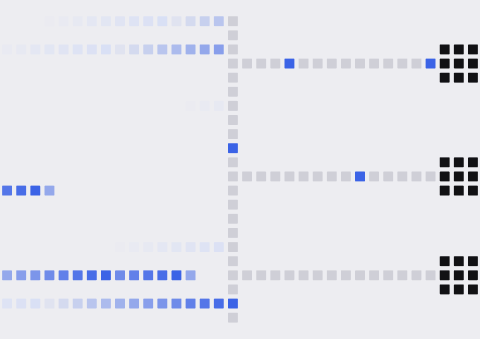
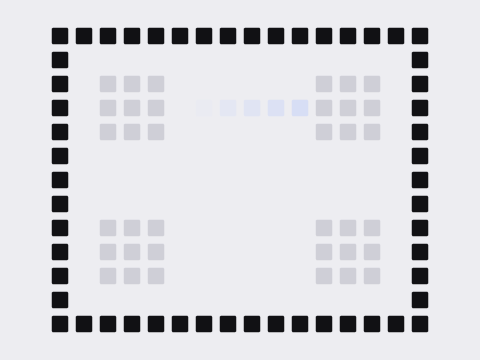
Lattice hero routing animation still: prompts routed across model nodes
Hero routing
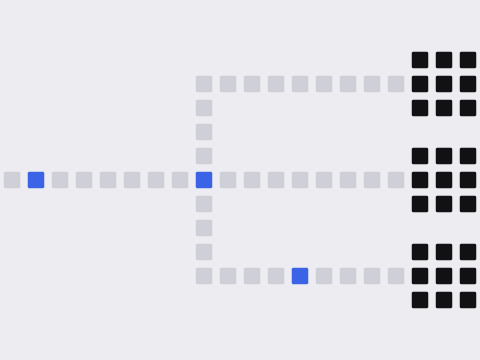
Inference route animation still: a request moving through router and model blocks
Inference route
Agents sandbox animation still: an agent run inside an isolated container
Agents sandbox
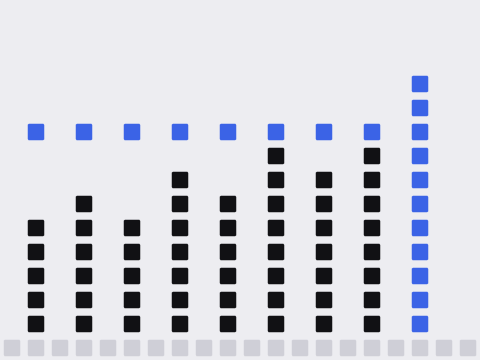
Evals score animation still: grader columns rising to a passing score
Evals score

Radius

16, 24 and pill are Base Collection variables (Radius/Small, Radius/Default, Radius/Button). 6, 10 and 20 px are set on the classes that use them: tags, icon tiles and inputs, cards.

6 px
10 px
16 px
Radius/Small
20 px
24 px
Radius/Default
Pill
Radius/Button